



The New Normal: Businesses Don’t “Do” Tasks Anymore; They Automate Them
- What “Daily Business Automation” Actually Looks Like in 2026
- Why Traditional Automation Is Being Replaced by AI Systems
- Best AI Tools for Business Automation in 2026
- 1: Zapier: The Easiest Way to Automate Everyday Business Tasks
- 2: n8n: The Flexible Automation Tool for Advanced Workflows
- 3: Gumloop: AI-First Automation Platform for Modern Workflows
- 4: Microsoft Power Automate: Enterprise-Level Automation
- 5: Workato; Enterprise Automation + Integration
- How Businesses Actually Automate Daily Tasks
- Automation Can Break Without Strategy
- Choosing the Right Tool Based on Your Daily Needs
- Limitations of AI Business Automation Tools
- AI Will Handle Most Daily Business Operations
- Conclusion
- Frequently Asked Questions
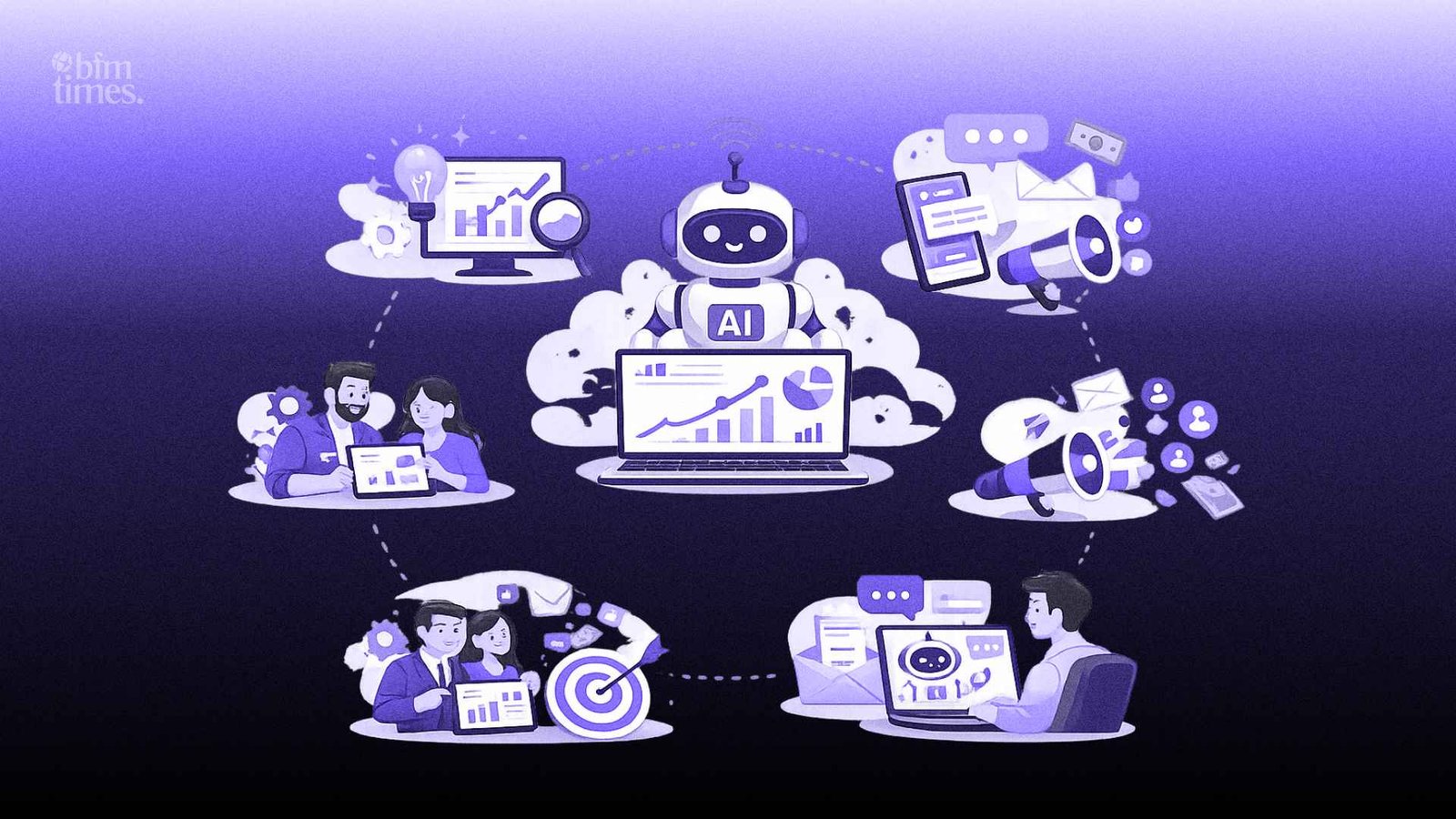
The biggest thing that has changed in the way we run our businesses in 2026 is not about working more or even about adding more heads to your business. It’s about taking yourself out of the equation of execution. The day-to-day operations of your business, like responding to emails, managing your CRM, creating reports, and scheduling meetings, aren’t things that require human intervention. These things require AI to run in the background.
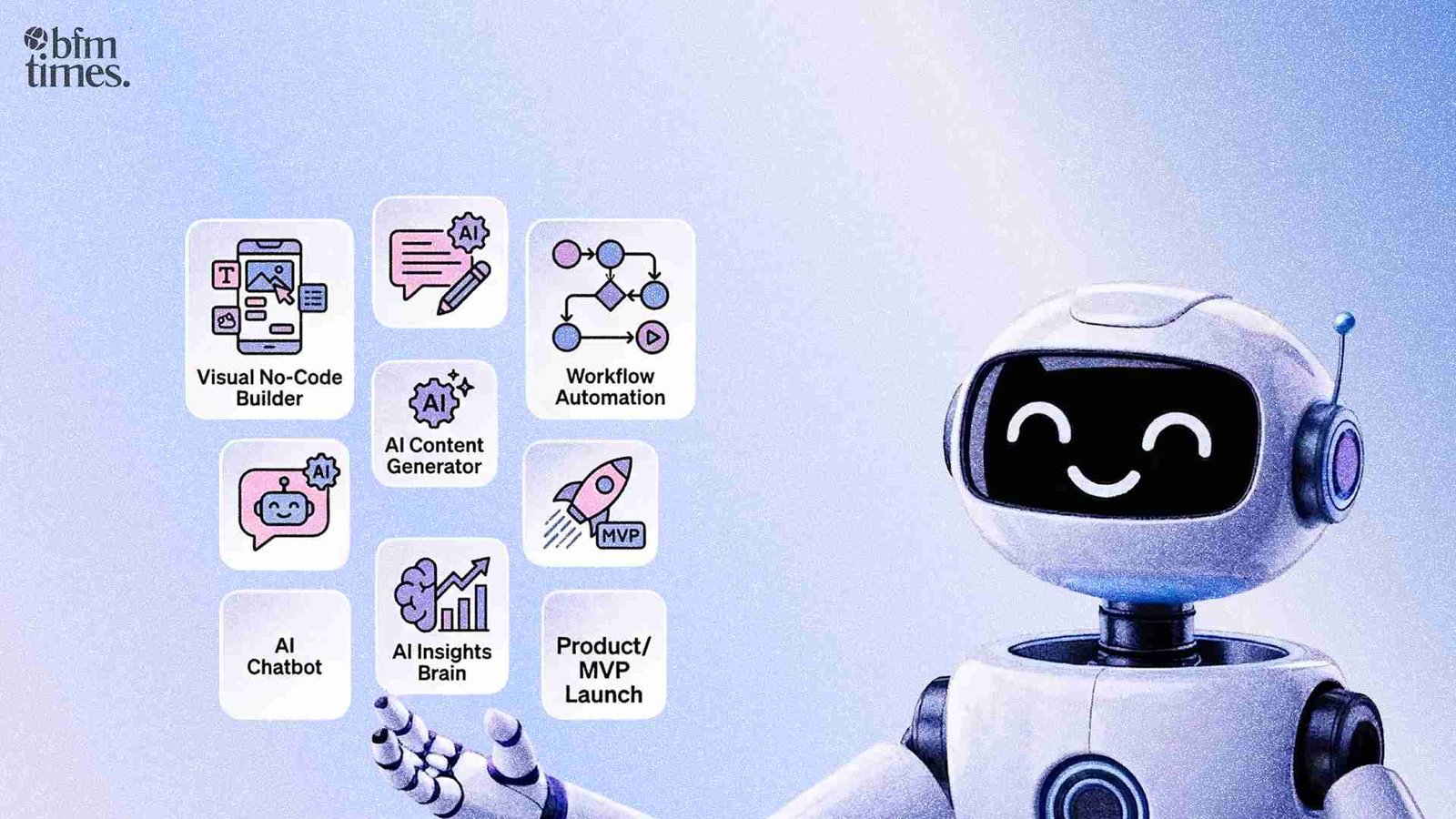
The thing that has changed in the world of AI tools for business automation in the last year or two is not what we’re automating, but rather how we’re automating it. The last time we talked about business automation, we were talking about creating simple triggers like “If this, then that.” AI tools for business automation that we have today are more akin to decision engines. They can take in data, understand the context, and then make intelligent decisions.
This means the role of founders, entrepreneurs, and even your team has completely changed. You’re no longer managing tasks; you’re managing systems. And the thing that separates the successful entrepreneurs and businesses from the rest is that they’re not only growing faster but with fewer heads, because execution is no
What “Daily Business Automation” Actually Looks Like in 2026
It is no longer a situation where a particular tool is used to carry out a single task. Rather, it is a situation where there is a workflow in which multiple systems are integrated to work in real-time, with AI tools for business automation handling everything from receiving communication to backend data syncing, without necessarily involving humans.
For instance, emails are automatically sorted, prioritized, and in some cases, replied to, based on intent. CRM systems are automatically updated as soon as there is new information is available. Meetings are scheduled without any back-and-forth, and reports are automatically generated and shared without anyone having to open a spreadsheet.
The big difference with AI tools for business automation is that they are no longer just carrying out tasks based on data but are actually making decisions and carrying out actions in real-time, which is where the power of automation lies.
A simple example of how businesses automate daily work now:
- A lead comes in through a website
- AI qualifies it based on intent and data
- CRM gets updated instantly
- A personalized follow-up email is sent
- The sales team only gets notified if the lead is high quality
This isn’t automation in pieces; it’s a complete system handling the workflow end-to-end.
Why Traditional Automation Is Being Replaced by AI Systems
The traditional automation tools were rule-based systems. This meant that the tools followed the rules exactly as they were written. The problem is that these tools were very inflexible and tended to break if the inputs were changed in any way. The tools also tended to fail if the input did not conform to the rule.
The new AI tools for business automation are based on artificial intelligence. This is a major improvement over the traditional tools. The new tools are not based on any rules. Instead, they are context-based. This is a major improvement over the traditional tools. The new tools can interpret data and even improve over time.
For instance, instead of having to set up 20 different rules for routing emails, the AI tools for business automation can interpret the emails and route them accordingly. The new tools are also able to improve over time. Instead of having to set up a lead scoring system manually, the new tools use artificial intelligence to improve the scoring over time.
The new tools are a combination of workflow and artificial intelligence. This is why automation is no longer just about increasing efficiency but also about increasing intelligence.
Best AI Tools for Business Automation in 2026
1: Zapier: The Easiest Way to Automate Everyday Business Tasks
Zapier remains one of the most accessible AI-based productivity tools for workflow automation. It can integrate thousands of apps, and companies can use it to set up workflows even without technical knowledge. It can be used to sync leads, send automated responses, and more.
The power of Zapier lies in its simplicity. It can help set up workflows in a matter of minutes, and companies can integrate tools across marketing, sales, and operations. It can be used by companies that want to achieve quick wins.
Best for: beginners, small teams, fast automation setup
Limitation: becomes expensive as workflows scale and complexity increases.
2: n8n: The Flexible Automation Tool for Advanced Workflows
It’s built for businesses that need control. Unlike other tools, n8n provides a customizable, open-source solution for AI tools for business automation. You can create very specific workflows and embed AI models directly into your systems.
This tool is great for you when you need more logic, more conditionals, or more custom integrations. It’s not just about connecting apps; it’s about creating systems that do exactly what you need.
Best for: technical teams, complex workflows
Limitation: requires a learning curve and setup effort
3: Gumloop: AI-First Automation Platform for Modern Workflows
Gumloop is the new generation of AI tools for business automation. It is built from the ground up for artificial intelligence-based workflows. Users can connect multiple artificial intelligence models into a single automation system.
Gumloop does not simply connect apps; it connects intelligence layers. It is the future of automation, not the past. It is artificial intelligence first, not rules first.
Best for: AI-driven automation, content, and data workflows
Limitation: still evolving ecosystem with fewer integrations compared to older tools
4: Microsoft Power Automate: Enterprise-Level Automation
Microsoft Power Automate is designed for businesses that are already using the Microsoft ecosystem. It has strong integration with tools such as Excel, Teams, and Dynamics, making it a great tool for enterprise-level automation.
The power of Microsoft Power Automate lies in its scalability. It is used by big businesses to automate processes across different departments.
Best for: enterprises, Microsoft users
Limitation: less flexible when working outside Microsoft environments
5: Workato; Enterprise Automation + Integration
Workato is designed for large-scale operations in which different systems need to work in concert. It is a combination of integration and automation. Thus, it allows businesses to connect complex systems across different departments.
It is widely used in large enterprises in which reliability, scalability, and security are key considerations. The workflows built on Workato can handle massive volumes.
Best for: large organizations, complex systems
Limitation: expensive and requires expertise to implement
How Businesses Actually Automate Daily Tasks
The biggest fallacy about automation is that one tool is going to do everything. The reality is that businesses create systems where multiple tools are used together.
A basic automation system might include lead capture through a form, AI processing, CRM updating, email sequence sending, and reporting, and all of this is happening without any human intervention.
Here’s how a real system looks:
- Lead enters through a landing page
- AI qualifies and enriches the data
- CRM updates automatically
- The email sequence is triggered
- Dashboard updates with real-time metrics
The key insight is that tools don’t operate in isolation. They form a connected ecosystem that reduces execution time dramatically while increasing consistency.
Automation Can Break Without Strategy
It is powerful, yes, but it is not a growth strategy. If your underlying systems are weak, then automating those weak systems simply accelerates your weaknesses.
Many businesses are rushing to implement automated business processes through AI technology without first defining the workflows. It’s creating a system of poor data, poor data management, and poor results. AI does not cure poor systems; it accelerates poor systems.
Another problem is monitoring. An AI system must have monitoring. If not, then errors will not be caught, and they will multiply. The more automated your business is, the more it needs to be designed.
Choosing the Right Tool Based on Your Daily Needs
The choice of tool is not based on features; rather, it is based on how you operate your business. The objective is not to use a highly advanced tool; rather, it is to use a tool that is best suited to your operations.
If you have simple needs, then Zapier or Relay.app is sufficient. If you have more complex needs, then n8n or Make is what you should use. If you are more into AI-driven automation, then Gumloop is more suitable.
A simple way to think about it:
- Simple tasks → Zapier
- Advanced workflows → n8n or Make
- AI-first systems → Gumloop
The best setup is often a combination, not a single tool.
Limitations of AI Business Automation Tools
However, despite all the hype surrounding these tools, they are not without their flaws. One of the biggest problems is the cost of scaling. What may have been a relatively cheap tool to begin with may become very costly over time.
There is also the problem of debugging. When a problem arises in a complex automation toolset, it may not always be clear exactly what is causing the problem, especially if multiple tools are being used.
There are also integration gaps between tools. While some tools may work seamlessly together, others may not.
Key limitations include:
- Rising costs with scale
- Debugging complexity
- Integration gaps between tools
Understanding these trade-offs is essential before building automation-heavy systems.
AI Will Handle Most Daily Business Operations
We are heading toward a future where AI is no longer just assisting but will work on its own. This is where we are seeing AI agents emerge, which are capable of handling entire workflows.
The future of business in the near future is not just automating tasks, but entire processes will be automated. This is where business automation AI tools are heading, where entire processes will be automated, and there will be no human intervention.
The future of business is no longer a choice of whether to automate or not, but how intelligently you can automate your business processes.
Conclusion
The real competitive advantage in 2026 is not what tools you use, but rather the way you design your systems. Tools help you get things done, but systems help you create leverage.
The companies that win are not the ones with the most tools, but the ones that connect the tools best.
Also Read: AI Automation in Customer Support: Complete Guide
Frequently Asked Questions
What are the best AI tools for business automation in 2026?
The best tools depend on your needs. Zapier is ideal for simple workflows; n8n and Make are better for advanced automation, while Gumloop is emerging as a strong AI-first platform.
How do AI workflow automation tools differ from traditional automation?
Traditional tools follow fixed rules, while AI automation tools analyze context, make decisions, and adapt workflows dynamically.
Can small businesses benefit from AI tools for daily tasks?
Yes, especially with tools like Zapier and Lindy AI. They allow small teams to automate repetitive work without technical expertise.
Are AI automation tools expensive?
They can be cost-effective initially, but costs may increase as usage scales. It’s important to design efficient workflows to manage expenses.
Do I need technical skills to use business automation AI tools?
Not always. Tools like Zapier and Relay. Apps are beginner-friendly, while platforms like n8n require more technical knowledge for advanced setups.
Disclaimer: BFM Times acts as a source of information for knowledge purposes and does not claim to be a financial advisor. Kindly consult your financial advisor before investing.