



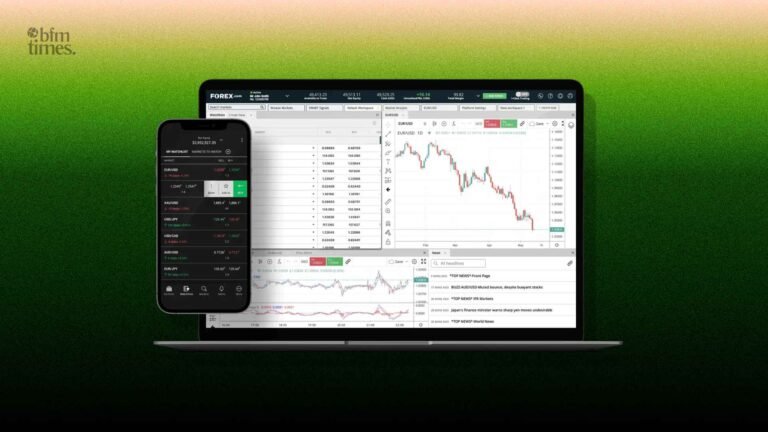
The decision to use appropriate Forex trading software will determine the way you analyze, execute, automate, and risk markets. Your platform selection impacts the quality of execution, the level of charting, the quality of backtesting, and the security of your account. Novices tend to desire spotty charts and straightforward order flows; active traders value speed and software; algorithmic traders demand scripting, testing, and VPS services.
- Types of forex trading software: which tool does what? (Forex trading tools)
- How we selected the Best forex trading platforms
- Top picks: Best forex trading software
- 1. MetaTrader 4 / MetaTrader 5
- 2. TradingView
- 3. cTrader
- 4. NinjaTrader
- 5. Forex Tester (Specialist Simulator)
- Automated forex software: EAs, bots & algo platforms
- Forex analysis software & charting tools
- Trading software for forex: pricing, compatibility & broker support
- How to choose the right forex trading software
- Common pitfalls & safety best practices
- Top 5 platform snapshot
- Conclusion
This is a practical buyer’s guide that divides the key software categories and explains how we rated the best forex trading platforms and compared the best in charting, automation, and execution. You will also receive a quick comparative list and a checklist to help you find tools that match your trading style.
Types of forex trading software: which tool does what? (Forex trading tools)
Contemporary Forex trading tools are divided into some buckets. Many traders mix two or more:
- Charting and analysis: advanced indicators, drawing, scanners, and alerts.
- Execution platforms: Depth of market, trade management, order types, and fast order routing.
- Algo trading & automated trading: EAs, scripting strategies, bots, an API, scheduling, and VPS.
- Backtesting & simulators: walk-forward testing, historical testing, replaying.
- Social/copy trading: Performance analytics and risk controls; follow or mirror strategies.
- Mobile applications: On-demand monitoring, notifications, and trade management.
How we selected the Best forex trading platforms
Our considerations include reliability, speed of execution, charting, scripting and automation, back-testing quality, compatibility with brokers, cost structure, security practices, and cross-device compatibility. We also tested update frequency, documentation, community ecosystems (indicators, strategies, marketplaces), and data integrity. The intention is not to make one a winner but to bring out strengths and trade-offs so that you can choose the Forex trading software that works with your workflow.
Top picks: Best forex trading software
1. MetaTrader 4 / MetaTrader 5
- Positioning: The retail ecosystem is the largest.
- Key features: multi-asset (better on MT5), custom indicators, strategy tester, one-click trading, and an enormous marketplace of EAs and indicators.
- Automation & algo: EAs, in-built strategy tester, APIs, and simple integration of VPS.
- Broker integrations and assets: Widely supported by worldwide brokers; FX plus CFDs (among others on MT5).
- Pricing model: Free platform via brokers, marketplace items paid.
- Pros: Huge community, plenty of resources, choice of brokers.
- Cons: The UI is outdated; the depth of the strategy tester depends on the broker feed.
- Best for: Newcomers to advanced traders interested in a wide EA ecosystem.
You’ll find the full details on their official site: https://www.metatrader4.com/en
2. TradingView
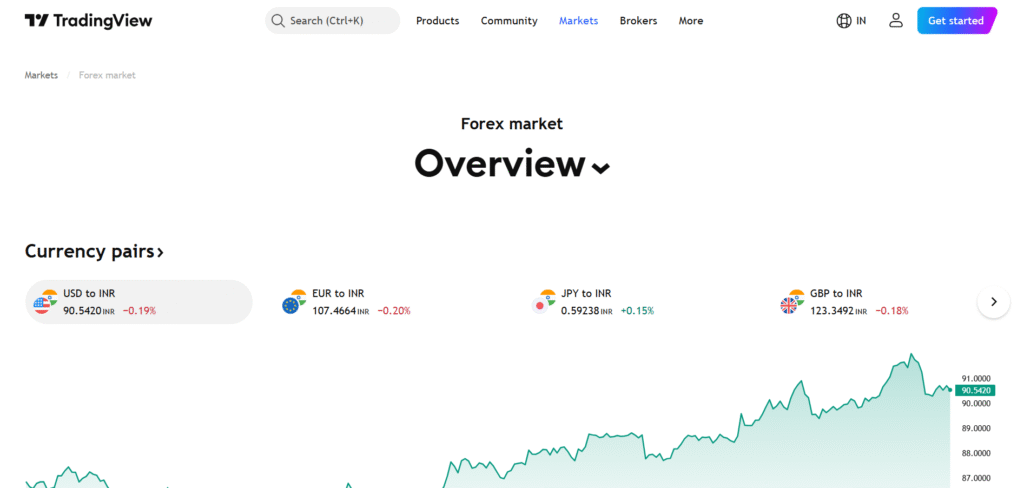
- Positioning: A chart with the best-in-class social insights.
- Key features: include rich charts, multi-timeframe layouts, scanners, alerts, and community scripts.
- Automation & algo: Use Pine Script to write your own indicators/strategies and run them using broker connections.
- Broker integrations and assets: FX, crypto, and equities integrated brokers.
- Pricing model: Freemium plus level-based subscriptions to advanced features.
- Pros: Clean web interface, strong graphics, and social chart concept.
- Cons: 100% automation implies the execution on the side of the broker; premium alerts are paid-only.
- Best for: Technical traders and analysts who are more interested in charts and alerts.
You’ll find the full details on their official site: https://in.tradingview.com/
3. cTrader
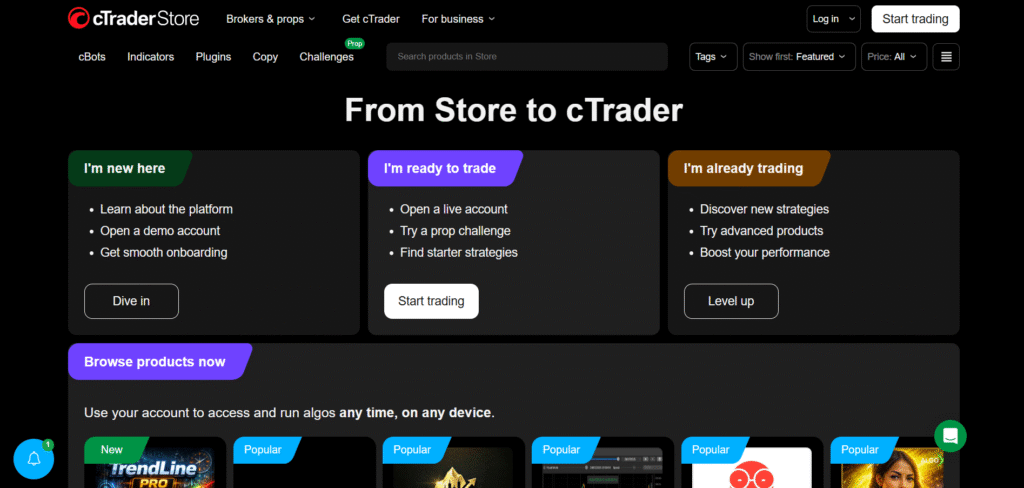
- Positioning: FX traders are active, with FX speed and transparency.
- Key features: Level II prices, enhanced order types, detachable charts, and copy trading.
- Automation & algo: CSharp cAlgo/cBots; strong CSharp-based API.
- Broker integrations & assets: Sponsored by some of the best FX brokers; FX/CFDs.
- Pricing model: It is usually free through brokers.
- Pros: speedy execution experience, clean interface, robust algorithm platform.
- Cons: Smaller marketplace compared to the MT ecosystem.
- Best for: Active traders and algorithmic builders will need performance-oriented execution.
You’ll find the full details on their official site: https://ctrader.com/
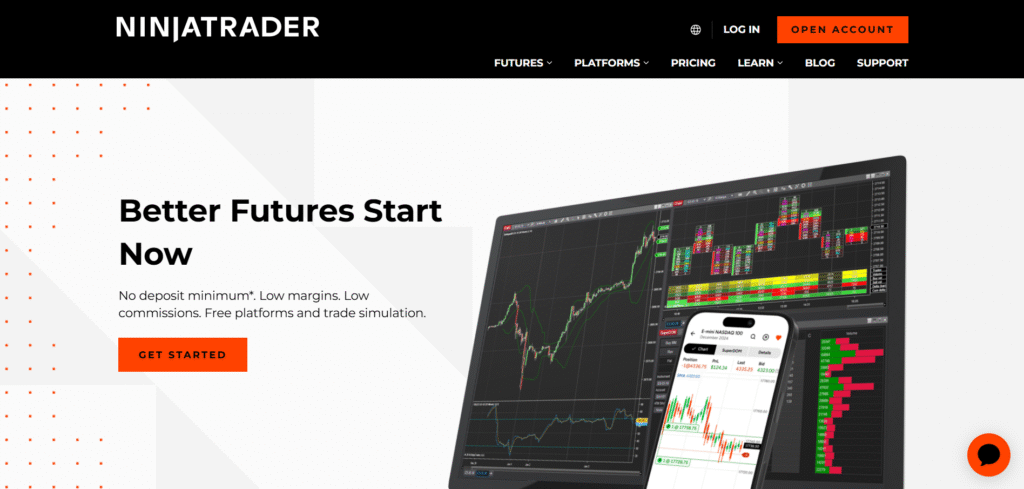
4. NinjaTrader
- Positioning: Backtesting and serious trader positioning control.
- Key features: Some of the major ones are advanced order types, market replay, analytics, and multi-broker connectivity.
- Automation & algo: C#-based; deep backtesting and optimization.
- Broker integrations & assets: Good in futures; FX through supported brokers.
- Pricing model: Free basic; premium subscription/lifetime license to advanced features.
- Pros: Strong testing, professional equipment.
- Cons: Higher learning curve; desktop-based.
- Best for: Advanced traders and quants desiring comprehensive testing and control of orders.
You’ll find the full details on their official site: https://ninjatrader.com/
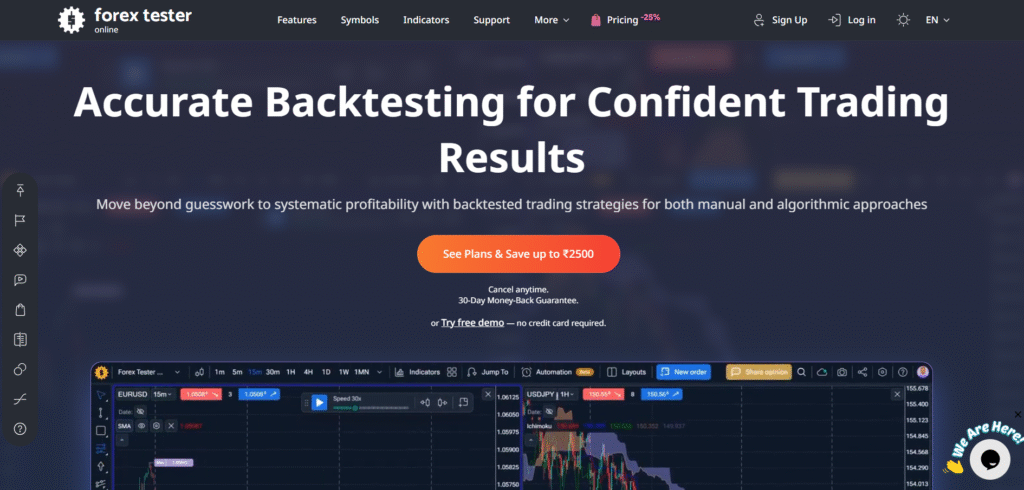
5. Forex Tester (Specialist Simulator)
- Positioning: Historical testing and practice setting.
- Key features: tick-accurate replay, scenario testing, journaling, and visual testing.
- Automation & algo: Strategy simulation systems; export/import processes.
- Broker integrations & assets: Simulator-first; FX pairs data imports.
- Pricing model: single license (tiered version).
- Pros: Leading historical practice and validation.
- Cons: It is not a live execution terminal; it requires additional operations in the workflow.
- Best for: The rigor of backtesting is important to strategy developers.
You’ll find the full details on their official site: https://forextester.com/en/
Automated forex software: EAs, bots & algo platforms
Automated forex software allows the trading of rules-based structures 24/5. Examples of such common ones are EAs in MetaTrader, cBots in cTrader, and C# strategies in NinjaTrader. Best practices:
- Backtest and forward-test on the simulation before going out with capital.
- Avoid Overfitting: Out-of-sample data and walk-forward tests.
- Apply VPS: Minimizes downtimes and latencies during 24/7 performance.
- Risk controls: Hard stops, max daily loss, and circuit breakers.
- Security: Audited code only; API permissions.
Forex analysis software & charting tools
The latest Forex analysis software is a combination of indicators, screeners, alerts, and multi-timeframe views. TradingView has strong visualization and community scripting; MT platforms have thousands of third-party indicators; cTrader provides depth-of-market to aid analysis by the execution. Journaling and performance analytics both support pair charts to identify edge decay and execution slippage.
Trading software for forex: pricing, compatibility & broker support
Looking to select the trading software in forex, look:
- Platforms: Desktop (Windows/macOS) parity, web parity, and mobile parity.
- Broker support: The integration and quality of your broker.
- Prices: Subscription to platforms, as opposed to terminals offered by brokers; fees in the marketplace.
- Data & performance: Server locations, latency, and fill quality.
- Security: 2FA, encryption, and permitted APIs.
The correct Forex trading software is the one that fits your strategy, your broker, and your workflow (not the one with the most features).
How to choose the right forex trading software
- Beginner: Clean charts, tutorials, paper trading, and simple order tickets (TradingView + MT).
- Technical trader: Advanced charting, alerts, scanners (TradingView; MT with custom indicators).
- Algorithmic trader: Scripting, good backtesting, VPS support (MT, cTrader, NinjaTrader).
- Active scalper: Low-latency trading, DOM, hot keys (cTrader; NinjaTrader using brokers that support it).
- Strategy builder: Accuracy Ticks replay and validation (Forex Tester and live platform).
Common pitfalls & safety best practices
- Excessive use of bots: Markets evolve; observe performance drift.
- Cherry-picked backtests: Desirable, out-of-sample performance.
- Security vulnerabilities: API key authentication, 2FA, and allow IP whitelisting.
- Bad data: Poor historical feeds bias results.
- No journaling: Track slips, spreads, and psychology.
Top 5 platform snapshot
| Platform | Primary use | Automation support (EA/API) | Backtesting | Price model | Platforms (web/desktop/mobile) | Best for |
| MT4/MT5 | Execution + charts | EAs, APIs | Built-in tester | Free via brokers; paid add-ons | Desktop, mobile | Broad EA ecosystem |
| TradingView | Charting + alerts | Pine Script; broker exec | Strategy testing | Freemium/subscription | Web, desktop, mobile | Visual analysis |
| cTrader | Execution + transparency | cBots (C#), API | Integrated tester | Free via brokers | Desktop, web, mobile | Active traders |
| NinjaTrader | Advanced orders + backtesting | C# strategies, API | Deep optimization | Free basic; paid tiers | Desktop | Quants/advanced |
| Forex Tester | Historical simulation | Strategy frameworks | Tick replay | One-time license | Desktop | Strategy validation |
Optional: Tools to look for
| Feature | Why it matters | Example |
| Strategy tester | Validates edge before live | MT5, NinjaTrader |
| Alerts | Timely entries/exits | TradingView |
| VPS support | 24/7 uptime for bots | MT, cTrader |
| DOM | Execution transparency | cTrader |
Conclusion
The optimal decision is in relation to your mode of trade. Traders with charts are drawn to TradingView, traders with EAs prefer MT4/MT5, traders who are time sensitive are drawn to cTrader, traders who develop strategies can use the rigor of NinjaTrader, and those who develop strategies can turn to Forex Tester. Begin with a single main Forex trading software to be executed and combine it with an expert tool to be tested or analyzed. Connect match features to your workflow, test strategies before becoming live, and maintain tight security.
Disclaimer: BFM Times acts as a source of information for knowledge purposes and does not claim to be a financial advisor. Kindly consult your financial advisor before investing.